

How to Reset a LiftMaster Gate Opener — Step-by-Step Guide
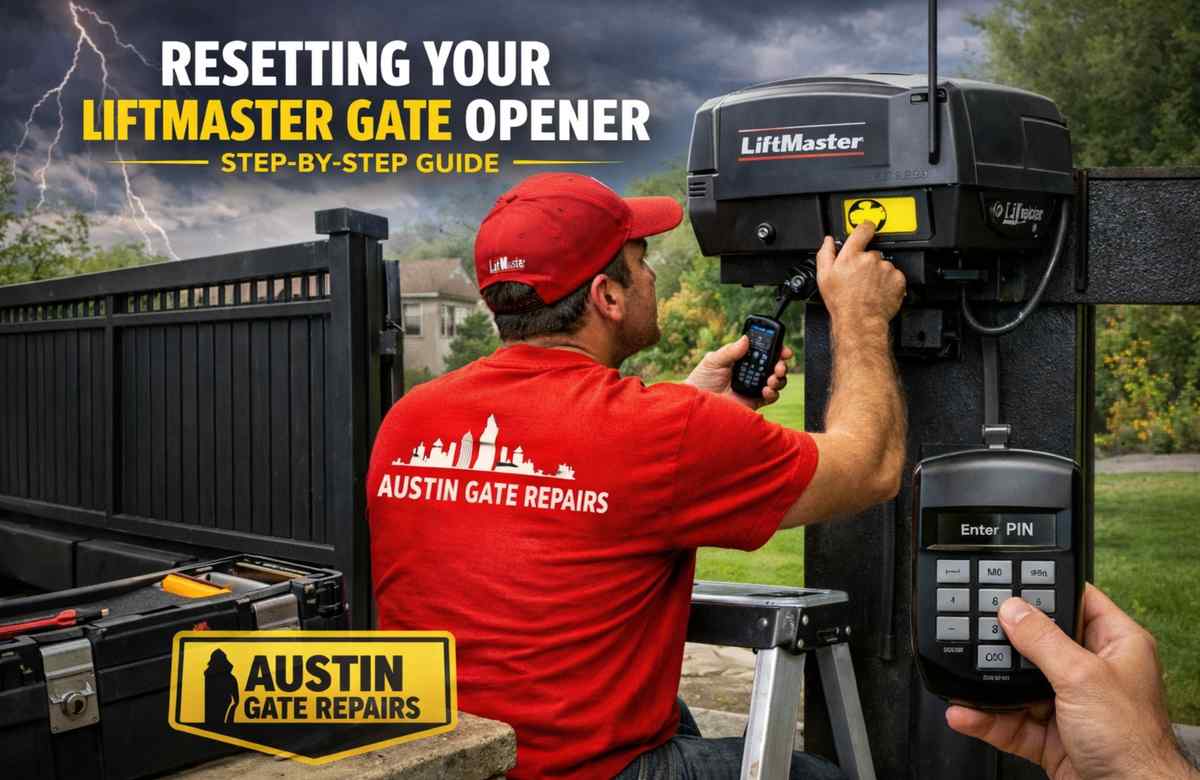

Stepped outside and your gate just refused to move? That kind of issue always seems to occur at the worst possible moment. Before picking up the phone to call a technician, try performing a reset first.Understanding how to reset a LiftMaster gate opener takes care of most issues people deal with — no tools, no experience needed.
Austin Gate Repairs has been working with LiftMaster systems throughout Austin, TX for years, and a reset is genuinely the first thing we walk customers through when they call us.
Why Your Gate Opener Started Acting Strange
A gate that stops working is not always a broken gate.Sometimes the system just gets disrupted — a storm cuts the power, a setting changes on its own, or the programming becomes scrambled for no clear reason.
Here are the things customers mention most when they reach out to us about their liftmaster gate opener:
- Remote was perfectly fine one day, useless the next
- Gate moving on its own without anyone touching the controls
- Moved into a new home and want previous access codes removed
- Indicator lights on the motor unit blinking and not stopping
- Keypad refusing a PIN that has worked without any issues for months
Things to Have Ready
Nothing complicated here. Before you start, just make sure you have:
- A clear path to the LiftMaster motor unit
- Remote control or entry keypad within reach
- Step ladder nearby if the unit is up high

How to Reset a LiftMaster Gate Opener: Step-by-Step
Step 1: Start by Cutting the Power
Unplug the opener from the wall or trip the breaker that feeds it. Then just wait — a full 30 seconds, not a quick five-count. Plenty of small glitches clear up from nothing more than this. Think of it the same way you would restarting a modem that has been playing up.
Step 2: Find the Learn Button on the Unit
Once the power is back, take a look at the back or side panel of your motor unit, around where the antenna wire sits. That is where the Learn button lives. Your model will have it in one of four colors — yellow, orange, red, or purple. Make a mental note of which one you have because it ties into how the programming works.
Step 3: Press and Hold Until the Light Goes Out
Push the Learn button down and hold it there for around 6 to 10 seconds. Keep holding until the small indicator light next to it goes completely dark. That is your signal — the system memory has been fully wiped. Every remote, saved PIN, and access credential that was stored in the unit is now cleared out.
This is a crucial step for when learning how to reset a liftmaster gate opener. From here you will rebuild everything from scratch. That blank slate is exactly what a proper reset looks like.
Step 4: Get Your Remote Paired Again
- Give the Learn button a single short press — just a tap, not a hold. The indicator light will switch on and stay on for roughly 30 seconds.
- Before that light turns off, press and hold the button on your remote that you want to use.
- The moment the opener light blinks or you hear two clicks from the unit, let go.
- Press the remote once more and check whether the gate responds.
If nothing happened, timing was probably the issue. That 30-second window moves fast. Press Learn again and try to get to the remote button a bit quicker this time.
Step 5: Set a Fresh Keypad PIN
Clearing the memory also erased whatever PIN was saved before. Getting a new one set up takes about a minute:
- Single tap on the Learn button.
- Punch your new PIN into the keypad and press Enter or Send.
- A quick blink from the opener light confirms it went through.
Step 6: Check Everything Before You Walk Away
Run the gate through several full cycles using both the remote and the keypad.Then grab something small and place it in the gate’s path to check whether the auto-reverse kicks in. If the gate just pushes through it, that safety function needs sorting before anything else. Our team at Austin Gate Repairs takes care of gate opener repair and full safety checks across the Austin area — worth getting looked at sooner rather than later.
Extra Step If Your Model Has MyQ
MyQ smart tech will not pick itself back up after a hardware reset. You have to go back through the app and set it up again:
1. Open MyQ app on your phone.
2.Head to Settings > Device Settings > Remove Device.
3.Work through the in-app setup steps to add the opener back.
4.When prompted, reconnect to your Wi-Fi network.
The whole thing takes a few minutes and everything comes back — remote access through your phone, any schedules you had running, smart home links, all of it. The whole process takes just a few minutes, and knowing how to reset a LiftMaster gate opener ensures all your devices and settings come back.
Gate Still Not Working? Look at These
Remote Still Not Doing Anything
Timing is almost always the reason. The window after pressing Learn is 30 seconds but it genuinely disappears fast. Press Learn one more time and move to the remote button without hesitating.
Error Lights Still Flashing on the Unit
Dig out your owner’s manual and check the blink pattern section. LiftMaster built specific sequences into the system to flag different faults — a sensor sitting out of position blinks differently from a wiring issue or a motor problem. The manual lays out what each one means.
Gate Moves But Does Not Travel the Full Distance
Travel limits set how far the gate goes in each direction and a reset can shift these out of position. The adjustment controls sit right on the motor unit. Small turns, test, repeat — keep going until the gate opens and closes the full way through.
When the Reset Is Not Enough
Going carefully through how to reset a LiftMaster gate opener covers the majority of common problems. If the gate is still not cooperating after all of this, something physical is likely involved. A control board that has burned out, a motor on its way out, or corroded wiring are all beyond what any reset can touch — those need a technician who can actually get hands on the unit.
Austin Gate Repairs covers LiftMaster gate repair throughout Austin and areas nearby including Round Rock, Pflugerville, and Leander. Whether it is a residential gate repair service or a commercial gate service, we come out the same day, take a proper look, and give you a free estimate with no pressure attached.
Staying on Top of Maintenance Pays Off
Getting the gate reset and running again is a good outcome but knowing how to reset a liftmaster gate opener is just the first step. Keeping it running well over time is a different conversation. Moving parts need lubrication every few months and the safety reverse should get tested occasionally just to make sure it is still doing its job.
Booking a gate maintenance service visit once or twice a year is one of the smarter things you can do — the small problems that get caught early are a fraction of the cost of the ones that get ignored.
Automated gates are complex mechanical systems exposed to weather and daily use, which is why regular maintenance is essential to keep them running smoothly and avoid costly breakdowns
Source: How Often Should Gate Automation Be Serviced?
Final Thoughts
Knowing how to reset a LiftMaster gate opener is a useful skill that often proves valuable the first time an issue occurs. Follow the steps, test it thoroughly, and in most cases, your gate will be working again before you even think about calling for help.When the reset does not solve it, Austin Gate Repairs is here in Austin, TX — same-day service, honest pricing, and a free estimate on every single job.