
Gate Opener Remote Not Working? Try These Fixes Before Calling a Tech
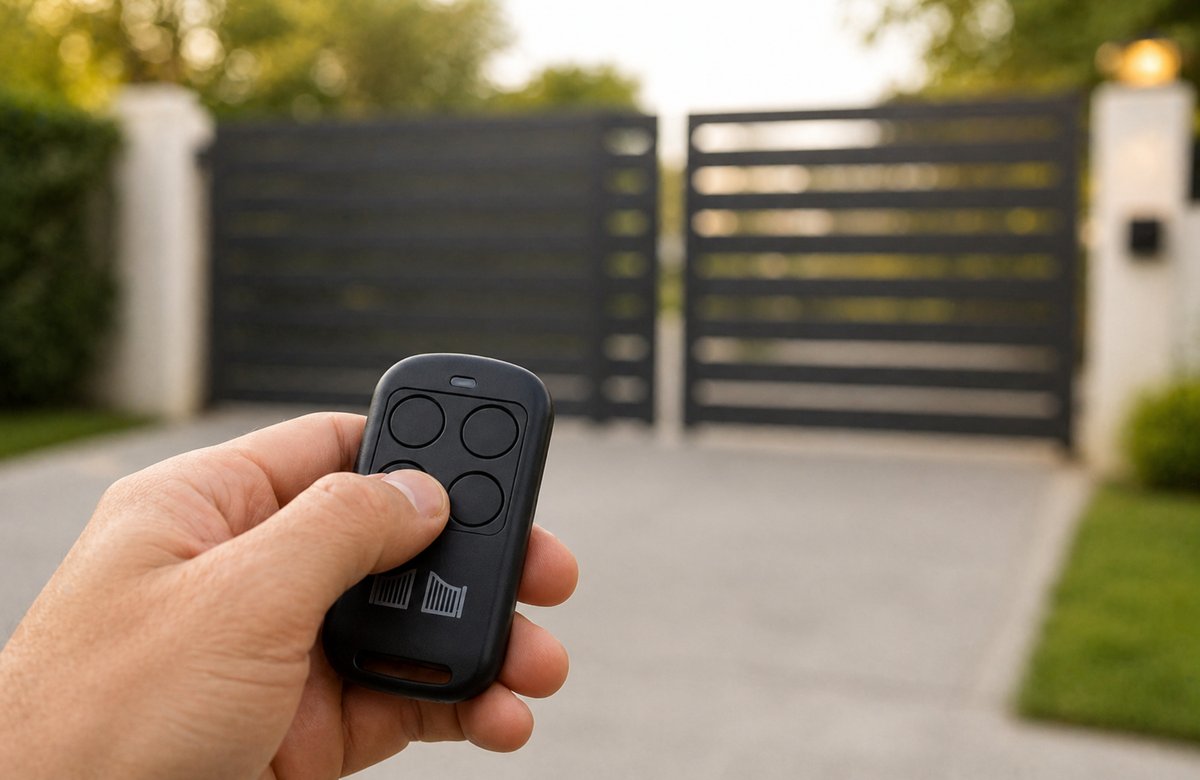

There’s nothing more frustrating than pulling into your own driveway and having your gate just sit there doing nothing. Your gate opener remote not working out of nowhere is one of those problems that immediately makes you think the worst. But before you go down that road — At Austin Gate Repair, we deal with this every week and most of the time it comes down to something simple. Something you can actually sort out yourself in just a few minutes. Run through the steps below first before you book anyone out.
Why Is My Gate Opener Remote Not Working?
Gate remotes quit for all sorts of reasons. Could be a battery that finally gave out, or it could be something interfering with the signal. Nobody knows until you start checking. So begin with the easy stuff and go from there.
1. Check the Battery First
Yeah, it sounds too simple, but dead batteries are behind more of these calls than you’d think. The thing is, they don’t die all at once — the signal just gets weaker and weaker until one day nothing happens. Open the back, throw a fresh battery in and test it. And actually fresh — not one that’s been rolling around in a drawer since forever.
2. Your Gate Opener Remote Not Working Could Be a Range Issue
Step closer to the gate and try again. If it works up close but not from the street, your remote’s signal range is weakening. This usually means the battery is dying or the antenna on your gate opener unit needs adjusting. The antenna wire should be hanging straight down — if it’s bent or tucked away, that kills your range.
3. Reprogram the Remote
Sometimes remotes lose their programming — especially after a power outage. Reprogramming is straightforward. Find the “learn” button on your opener unit, hold it down till you see the light blink, then hit your remote button. That’s the general process — but every brand does it slightly differently, so pull out your manual if you get stuck.
4. Look for Signal Interference
This one surprises people. LED light bulbs, nearby WiFi routers, and even some security cameras can interfere with your remote’s frequency. If your gate opener remote not working issue started around the time you installed something new nearby, that could be your answer. Try turning off nearby devices one by one to narrow it down.
5. Inspect the Gate Opener Unit Itself
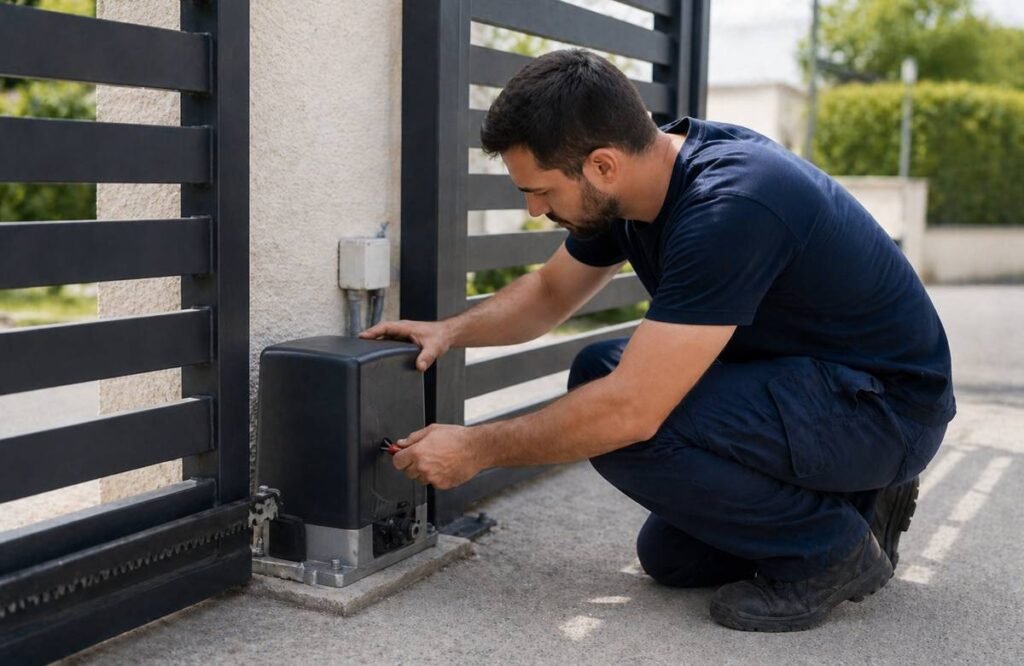
Head over to the motor unit and see if any light is on. Nothing lighting up usually means it’s lost power somewhere — could be the outlet, the breaker tripped, or a blown fuse. If the unit is on but still ignoring your remote, the receiver board inside might be the problem.
When the Remote Is Fine But the Gate Still Won’t Move
Sometimes your gate opener remote not working isn’t actually a remote problem at all. The remote sends a signal just fine, but the gate doesn’t respond because something else is wrong.
Check the Safety Sensors
Most automatic gates have small sensors sitting low to the ground. Their whole job is to detect if something is in the way. If they’re dusty, knocked out of position, or something is blocking the beam between them, the gate just won’t move. Give them a wipe down with a dry cloth and double-check nothing is sitting in between.
Look for Physical Damage or Obstruction
Sometimes it’s not electrical at all — something is literally blocking the gate. A pebble, some built-up dirt, a track that got knocked out of shape — any of these can do it. Walk along the gate and actually look at the wheels and track closely. Has it been making any grinding or scraping sounds when it moves? If yes, you likely just found your problem.
The Gate May Need Professional Repair
Gone through everything and still nothing? At that point, bring in a pro. There are some things — like a failing motor or damaged wiring — that aren’t worth messing with on your own. Better to get it looked at properly than make things worse.
How to Avoid This Problem in the Future
A little maintenance goes a long way. Here’s what we recommend:
- Replace remote batteries every 12 months, even if they seem fine.
- Schedule routine gate maintenance service at least once a year
- Keep your gate sensors clean and clear of dirt and leaves.
- After any storm, inspect your gate — storm damage is more common than people think and often goes unnoticed until something stops working.
If you have a sliding gate or swing gate, both types have specific parts that wear down over time. Regular checkups through our sliding gate repair service and swing gate repair service can catch small issues before they become expensive ones.
Regular preventive maintenance can extend equipment life by 20 to 40%.
Source: Honeywell
Final Thoughts
A gate opener remote not working is annoying — nobody’s got time for that, especially mid-day. But before you call anyone, go through the steps above. Most of the time, it’s a battery, a quick reprogram, or something interfering with the signal—all the stuff you can handle at home. If nothing works or the problem keeps coming back, that’s when you pick up the phone. Austin Gate Repairs is here for same-day service across Austin, TX. Call us for a free estimate.