
How to Reset Automatic Gate the Right Way – Austin, TX
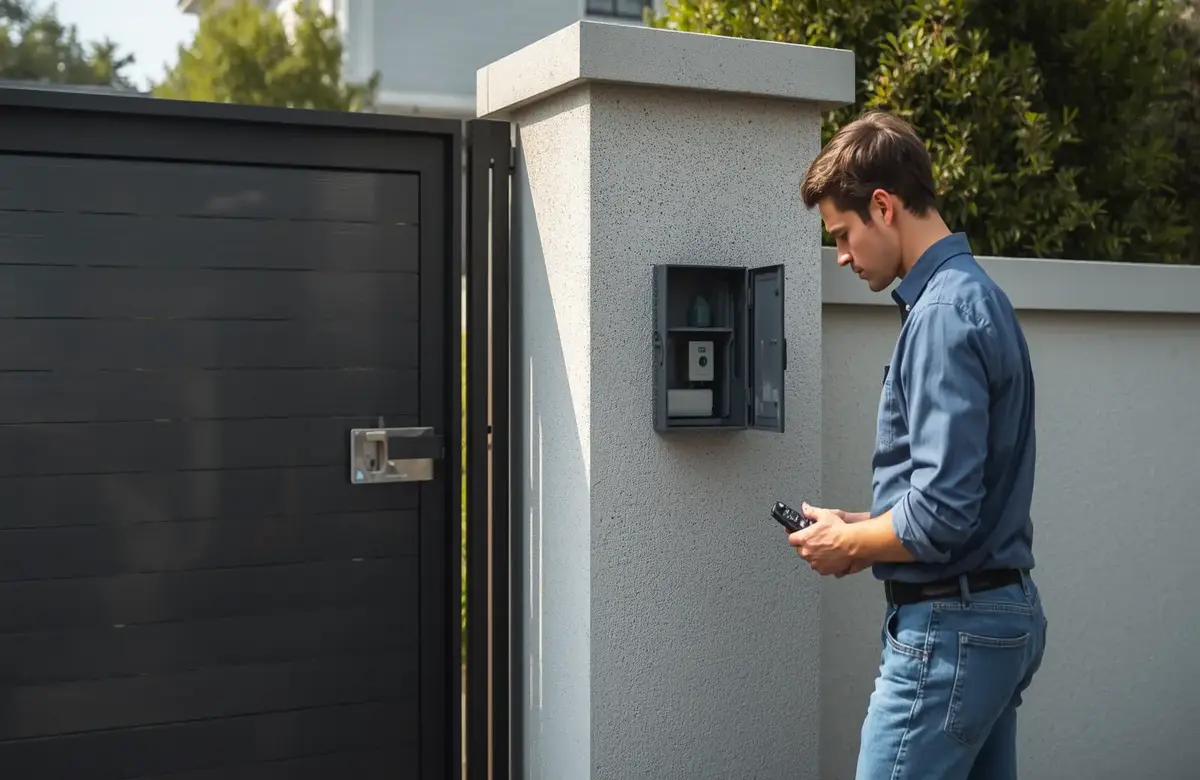

Gate acting weird? Stuck halfway, ignoring the remote, just not doing what it’s supposed to do? Here’s the honest, no-fuss answer — nine times out of ten, you can fix this yourself. Cut the power to the system for about 30 seconds, turn it back on, and let the control board reboot. That’s really what it means to reset automatic gate on most residential setups, and yeah, it sounds almost too easy. But it genuinely solves more problems than you’d expect. And if your gate’s dealing with something bigger than a quick reset can fix, our automatic gate repair team at Austin Gate Repair is one call away — we’ve been keeping Austin, TX gates running for years now.
In this guide, we’ll go through how to reset automatic gate step by step, what to try if a basic reset doesn’t cut it, and how you’ll know it’s time to stop troubleshooting and call someone.
Why You Might Need to Reset an Automatic Gate
Here’s the thing about gate systems — they run on a control board that manages everything at once: the motor, the sensors, your remote, and all the safety features. And sometimes that board gets confused. Could be a power surge, a quick outage you didn’t even notice, a glitch in the software, or a remote that’s fallen out of sync.
So how do you know it’s time to reset an automatic gate? Watch for the obvious stuff — the gate’s not responding to your remote at all, it stops halfway through opening or closing for no reason, it reverses when nothing’s actually in the way, or it’s making noise but not moving an inch. Before you start assuming the worst, try a reset first. Genuinely, it’s almost always the right first move.
What Actually Happens When You Reset an Automatic Gate
Think of it this way — how to reset automatic gate basically comes down to wiping the slate clean for the control board. Any temporary glitch gets cleared out, the system re-establishes contact with the sensors, and the motor figures out again exactly where ‘open’ and ‘closed’ actually are.
It’s a lot like restarting a frozen computer, honestly. More often than not, that’s all it takes.
How to Reset Automatic Gate — Step by Step
| Step | What You’ll Do | Why It Matters |
| 1 | Locate the control board | This is where the reset actually happens |
| 2 | Cut the power completely | Forces the system to fully shut down |
| 3 | Wait at least 30 seconds | Lets stored charge fully discharge |
| 4 | Restore power | System reboots and re-initialises |
| 5 | Reset limit settings (if needed) | Tells the motor exactly where to stop |
| 6 | Re-sync your remotes | Restores remote-to-gate communication |
| 7 | Test the gate thoroughly | Confirms everything’s working right |
Let’s walk through each of these in a bit more detail.
Step 1 — Find the Control Board
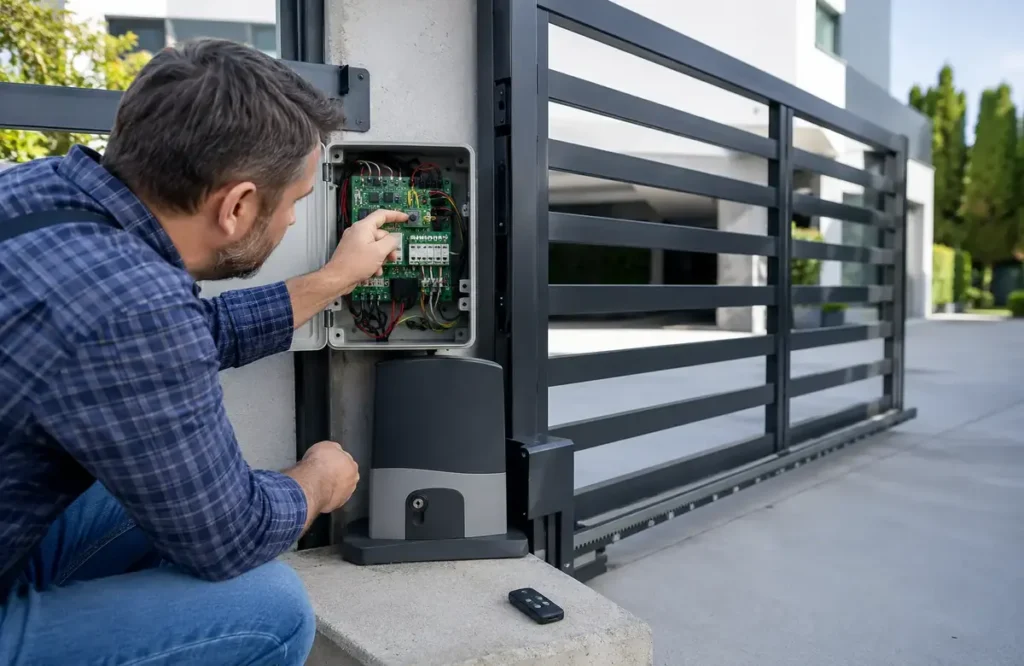
It’s usually tucked inside a weatherproof box near the gate motor. Open it up carefully, and you’ll spot the wiring, the circuit board itself, and probably a power switch or breaker.
Step 2 — Cut the Power
Flip the switch off at the control board, or just unplug it if it’s running off a regular outlet. Got a battery backup? You might need to disconnect that too — check your manual for the right way to do it.
Step 3 — Give It at Least 30 Seconds
This is the step everyone wants to rush, but don’t. A full 30 seconds with zero power lets any leftover charge in the board fully drain out, which is what makes the reset actually work.
Step 4 — Bring the Power Back
Switch it on or plug it back in. You’ll usually see or hear something happen — a blinking light, a small motor twitch, maybe a click — that’s the system booting back up.
Step 5 — Reset the Limits, If You Need To
Sometimes the power cycle alone does the trick. But if the gate’s still stopping in the wrong spot or won’t open all the way, you’ll want to reset the open and close limits on the control board. This basically tells the motor exactly where it should stop on each end. Check your manual for the exact button sequence — it varies by model.
Step 6 — Get Your Remotes Talking Again
After a reset, your remotes might need reprogramming. Most boards have a “learn” button — hit it, then press your remote within the time window it gives you, and it should sync right up.
Step 7 — Actually Test It
Run the gate open and closed a handful of times. Watch how it moves, where it stops, and whether the sensors are doing their job. Stick something in its path to make sure the safety sensors kick in — this matters every single time you reset an automatic gate, not just the first time around.
How to Reset Automatic Gate Opener Specifically
Sometimes it’s not the whole system — just the opener itself being difficult. The process of how to reset automatic gate opener is a bit more targeted in that case.
Find the motor unit, usually sitting on the gate post. Most openers have their own small reset button right on the unit, separate from the main board. Hold it down for around 5-10 seconds — you’re looking for a blinking light or a click. Cut power briefly, bring it back, then test with your remote to see if it’s syncing properly again.
Still not responding after that? Might not be a settings issue anymore — could be the motor itself, and that’s usually when it’s time to bring in a professional.
When a Reset Just Doesn’t Fix It
Look, resets handle a lot — but not everything. If you’ve already followed the steps for how to reset automatic gate and it’s still misbehaving, here’s what else could be going on:
Sensors That Are Worn or Dirty
A reset won’t help if your safety sensors are dirty, knocked out of alignment, or just damaged. Those need cleaning, realignment, or replacing — no shortcut around it.
The Motor Itself
A motor that’s worn down, running hot, or has internal damage isn’t going to respond to a simple reset. You’ll usually notice grinding sounds, sluggish movement, or the gate just stopping mid-cycle, no matter how many times you reset it.
Wiring That’s Gone Bad
Loose connections or damaged wiring can mimic the exact same symptoms as a control board glitch — but a reset isn’t going to fix actual wire damage.
A Dying Battery Backup
If your gate runs on battery backup and that battery’s failing, cycling the power won’t bring it back. The battery needs testing, or more likely, replacing.
Firmware Issues
On some of the newer, smarter gate systems, the control board software itself can get corrupted. That sometimes needs a manufacturer-level reset or firmware update — more than just flipping the power off and on.
If you’re hitting any of these after trying how to reset automatic gate on your own, our gate repair team in Austin, TX can pin down exactly what’s wrong and get it sorted properly.
So, How Often Should You Actually Reset It?
There’s no set schedule here, really — that’s the whole point of knowing how to reset automatic gate systems, you do it when something’s actually acting up, not on some fixed timeline. That said, after a power outage, a bad storm, or the gate sitting unused for a while, it’s smart to run a quick reset and test before trusting it again.
Austin, TX, gets its fair share of storms and power blips, especially come summer. A quick reset after one of those can catch small issues before they snowball into something worse.
Preventing the Need for Frequent Resets
If you’re finding yourself needing to reset automatic gate way too often, that’s usually telling you something else is going on underneath. A few things help:
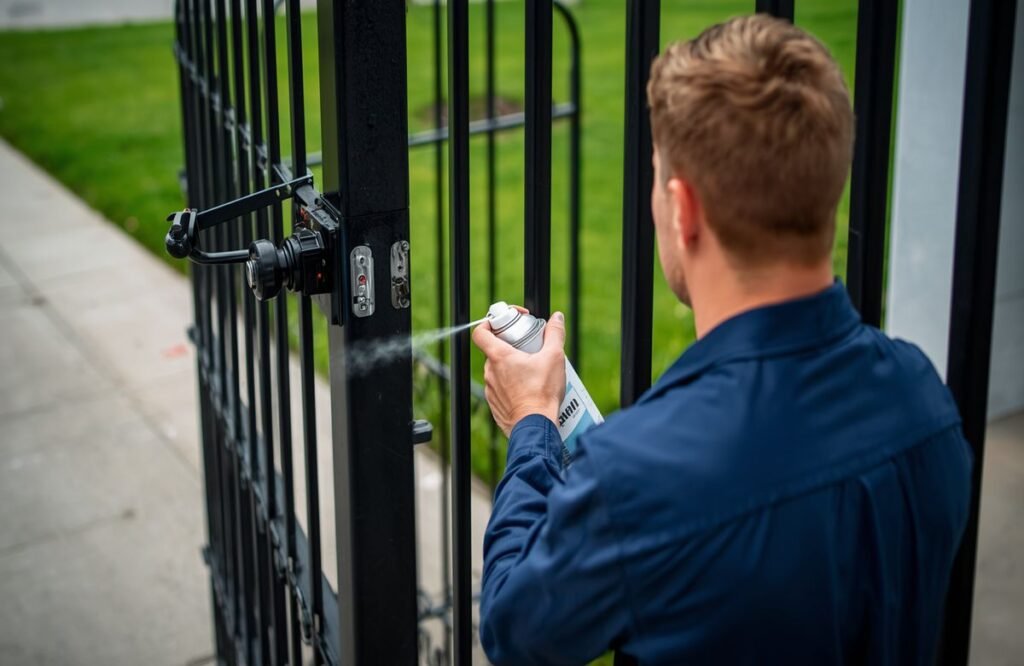
Keep that weatherproof housing around the control board properly sealed — moisture getting in causes more electrical issues than people realise. Stay on top of regular maintenance so worn parts, loose wiring, or misaligned sensors get caught early instead of causing repeat failures. Make sure there’s a working surge protector in place, which matters a lot here given how often Austin, TX, sees summer storms roll through. And if your system uses a battery backup, keep it tested and swap it out on schedule.
Our gate maintenance services in Austin, TX, cover exactly this — the regular check-ins that keep your gate from needing constant resets in the first place.
When It’s Time to Just Call a Professional
Most homeowners can handle a reset on their own, no problem. But if you’ve tried it more than once for the same issue, or you’re noticing physical damage, strange noises, or behaviour that’s still inconsistent even after resetting — that’s your sign to bring in a pro.
Forcing a gate that’s not cooperating can do real damage to the motor, the arm, or the track, and what could’ve been a simple fix turns into a much pricier repair. Our team handles everything from quick resets and sensor realignments to full motor swaps, with the same-day service Austin, TX homeowners have come to rely on.
Texas experiences one of the highest numbers of severe thunderstorm and power outage events annually in the U.S., particularly during the spring and summer months.
Source: National Weather Service
Final Thoughts
Knowing how to reset automatic gate can genuinely save you time, money, and a good amount of frustration — but it’s not always going to be a permanent fix. If your gate keeps giving you trouble even after resetting it, our team at Austin Gate Repair is ready to step in. We handle everything from simple resets to full system repairs and maintenance for homes and businesses across Austin, TX.
Call us today at (512) 957-4708 or visit our website to book your free on-site estimate. Let’s get your gate working the way it should.
Frequently Asked Questions
How do I reset my automatic gate after a power outage?
Cut the power at the control board for about 30 seconds, then restore it — that’s the core of how to reset automatic gate systems after an outage. This lets the system reboot and clear out any glitches caused by the power loss. If the gate still isn’t behaving right, you may also need to reset the open and close limit settings.
Why is my automatic gate not responding to the remote after a reset?
This usually means the remote needs to be re-synced with the control board. Most systems have a “learn” button — press it, then press your remote within the given time window to pair it again.
How long should I leave the power off when resetting an automatic gate?
At least 30 seconds. This gives the control board enough time to fully discharge any stored power, which is necessary for the reset to actually take effect.
Can I reset an automatic gate opener without resetting the whole system?
Yes. Most openers have their own small reset button on the motor unit, separate from the main control board. Hold it for 5-10 seconds, then test the remote to confirm it’s syncing properly.
Does resetting fix sensor problems?
Not usually. A reset clears software glitches and re-establishes communication, but if the sensors themselves are dirty, misaligned, or damaged, they’ll need to be cleaned or replaced separately.